14 Oct
The question
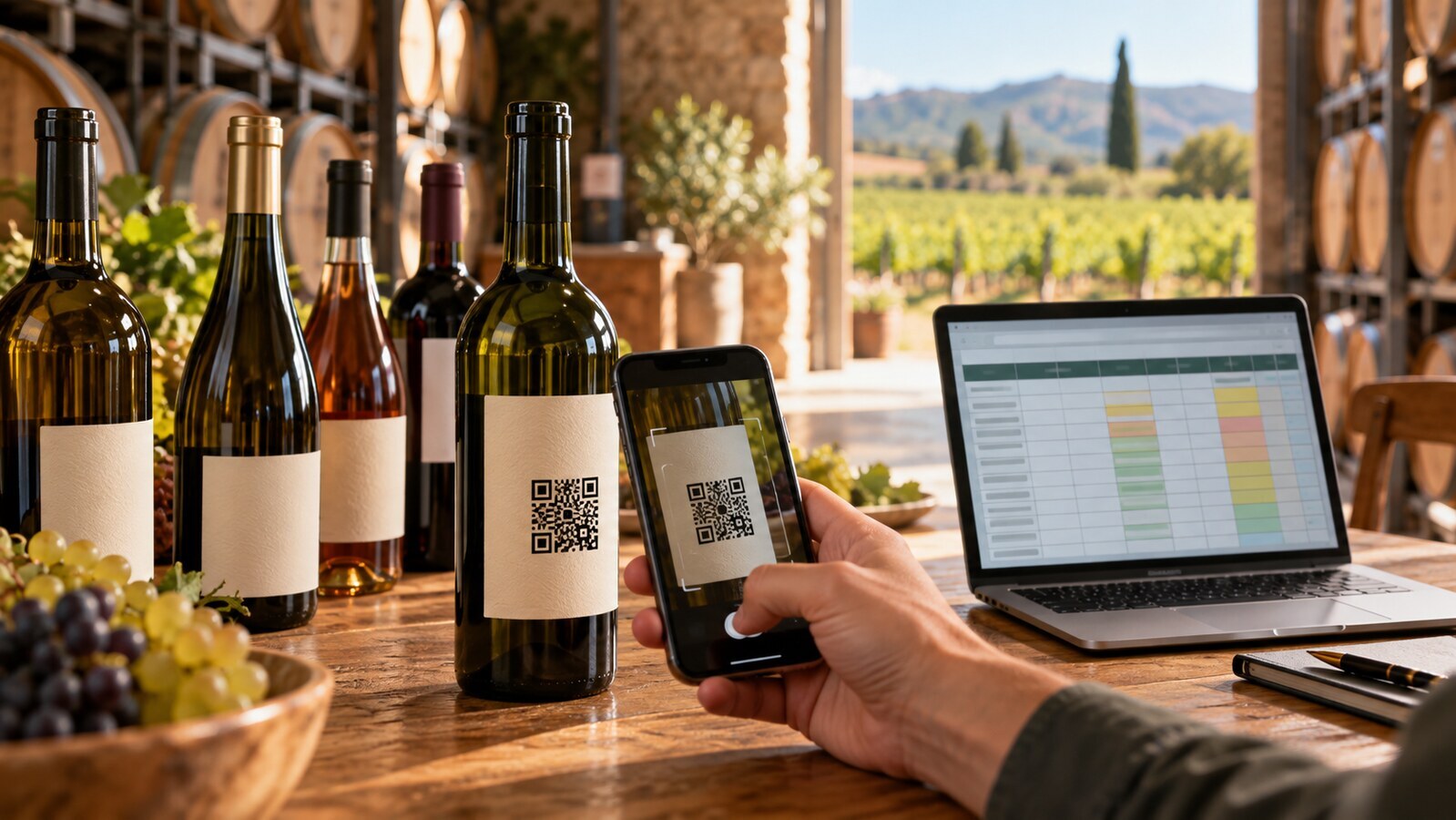
If you already manage your wine portfolio in a spreadsheet, must you retype every product to create e-labels? No. EU-Label supports data import from Excel, so an existing list of wines, ingredients and nutrition figures can be brought in rather than entered one field at a time.
This matters most when you are setting up for the first time, or when a season's bottling adds a batch of new wines at once, something many producers are doing right now as autumn bottling runs finish.
What the law actually requires, separate from the import tool
Under Article 119 of Regulation (EU) No 1308/2013, as amended by Regulation (EU) 2021/2117, wine placed on the EU market must carry certain compulsory particulars, including the list of ingredients and the nutrition declaration. Article 119(4)-(5) allows the full nutrition declaration and the ingredient list to be given electronically, provided that:
- the electronic page does not display sales or marketing information alongside the ingredients or nutrition data;
- no user data is collected or tracked for that disclosure;
- allergen information required under Regulation (EU) No 1169/2011 stays on the physical label, even when the ingredient list itself is electronic;
- the physical label can limit itself to the energy value if the full nutrition declaration is given electronically.
None of this changes depending on how the data was typed in. Whether you fill in a form field by field or import a spreadsheet, the same rules apply to what ends up on the physical label versus the e-label page. The import process is a data-entry method, not a compliance mechanism in itself: it is up to you to make sure the figures and ingredient lists in your spreadsheet are accurate and complete before they are published.
What a spreadsheet import is useful for
An Excel import is mainly a time-saver for producers who already hold structured data somewhere, for example:
- a product list used for sales sheets or export documentation;
- a spreadsheet maintained by a quality manager with ingredient and allergen notes per wine;
- a cellar-management export with vintage, varietal and ABV details per bottling.
Rather than copying each of these fields into a web form for every wine, one file can carry several products' worth of information into your account at once. This is particularly relevant for cooperatives and mid-size producers with a wide range of wines across several vintages, where manual entry for twenty or thirty labels is simply slow.
What still needs checking after import
Importing data does not remove the need to review it. A few things worth checking once products are in your account:
- that ingredient lists match what is on file for each specific wine, not a generic template copied across rows;
- that allergen declarations are present and will appear on the physical label, not only on the e-label page;
- that nutrition figures and energy values are attached to the correct product, especially if the spreadsheet was sorted or filtered before export;
- that any wine covered by the 8 December 2023 transition rule (produced before that date, and therefore allowed to carry the previous labelling until stocks run out) is flagged so it is not mixed in with wines subject to the newer requirements.
How reuse fits alongside import
Spreadsheet import works well together with EU-Label's reusable data structure. Information such as producer details, common ingredient statements, or recurring nutrition patterns across a range can be set up once as shared information, then referenced by multiple products instead of being retyped into every row of the import file. The practical effect is that the spreadsheet itself can be shorter and simpler, with individual rows holding only what is genuinely specific to that wine (the vintage, the exact alcohol by volume, any varietal differences in ingredients), while shared data lives in one place and can be updated centrally if it changes.
This is not a legal requirement, it is a structural choice in how EU-Label stores product data. The legal requirement is only about what appears where: ingredient list and full nutrition declaration electronically permitted, allergens and energy value kept on the physical label.
Where this fits for producers without an IT team
Small and medium wineries are the main audience for this kind of tool, precisely because they are less likely to have in-house systems that can generate QR codes or manage an e-label page automatically. A spreadsheet is often the only structured record a smaller producer keeps. Being able to bring that directly into EU-Label, rather than treating it as a one-off reference document that someone retypes by hand, removes one of the more tedious parts of getting a portfolio of wines labelled.
For producers exporting to the EU from outside it, the same applies. A spreadsheet already used for export documentation can serve as the starting point for e-label data, though the responsibility for making sure the information is correct and complete for the EU market sits with whoever places the wine on that market.
Getting your portfolio in
If you are planning new labels for this autumn's bottling, or setting up e-labels for an existing range for the first time, start by looking at what you already have in spreadsheet form. A column for product name, vintage, ABV, ingredients and nutrition values is usually enough of a starting structure. EU-Label's pricing is based only on new labels created per subscription year, from €4.00 down to €1.50 per label as volume increases, prices are final with no VAT added, and existing labels stay active as long as the subscription is active. Scans are unlimited and edits to existing labels are included.
Create your first label or write to contact@eu-label.info if you want to check how your existing spreadsheet would fit before you upload it.



 EN
EN  RO
RO  FR
FR  IT
IT  ES
ES  DE
DE  HU
HU  SK
SK  CS
CS